
The useful bits, first.
- Demonstrate the exact QR behavior.
- Test the printed sign at the entrance.
- Provide a staffed fallback.
Define the arrival step
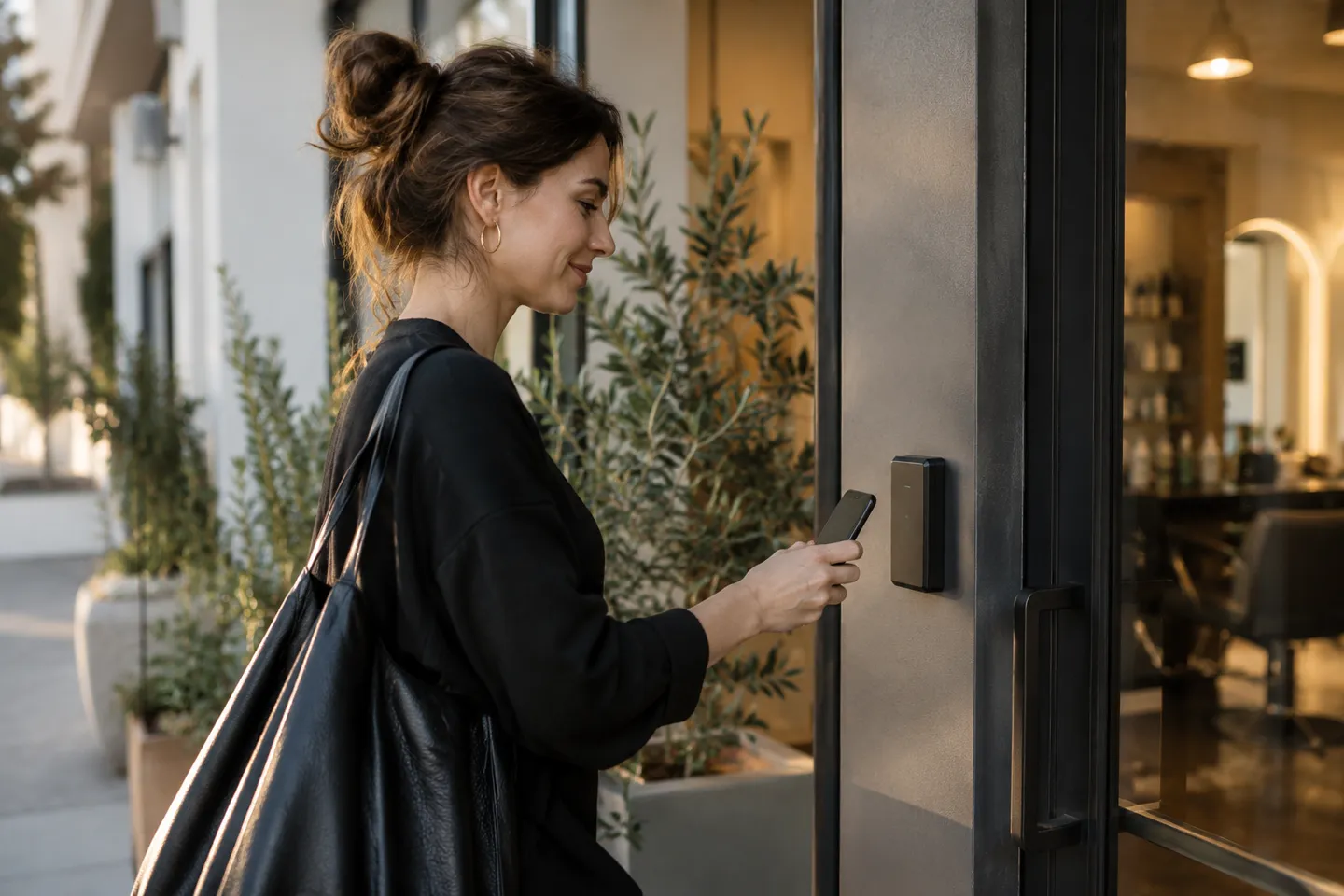
Customer QR check-in should answer a simple operational question: what should the customer do when they arrive? Decide how the QR code fits reception's existing process before printing signs. Explain the action in a short sentence and tell staff what they will see afterward. Resurv lists customer QR functionality; demonstrate its exact behavior in your account so signage and staff instructions match the feature available to your business.
From booking to arrival.
Preview the status change without scanning a real code.
Sam Rivera
Cut & finish · 09:00
Illustration · not scannableConnect an arrival to its booking.
Test the complete journey
Use a fictional booking to test the code from a normal customer phone. Check what opens, which information is required and how the team recognizes the completed action. Try the process at the physical entrance, where lighting, signal and sign placement may differ from a desk test. Do not assume QR check-in proves identity, records every arrival automatically or prevents misuse. Ask the provider to explain any limits that matter for the way your business will use it.
Place the code where it makes sense
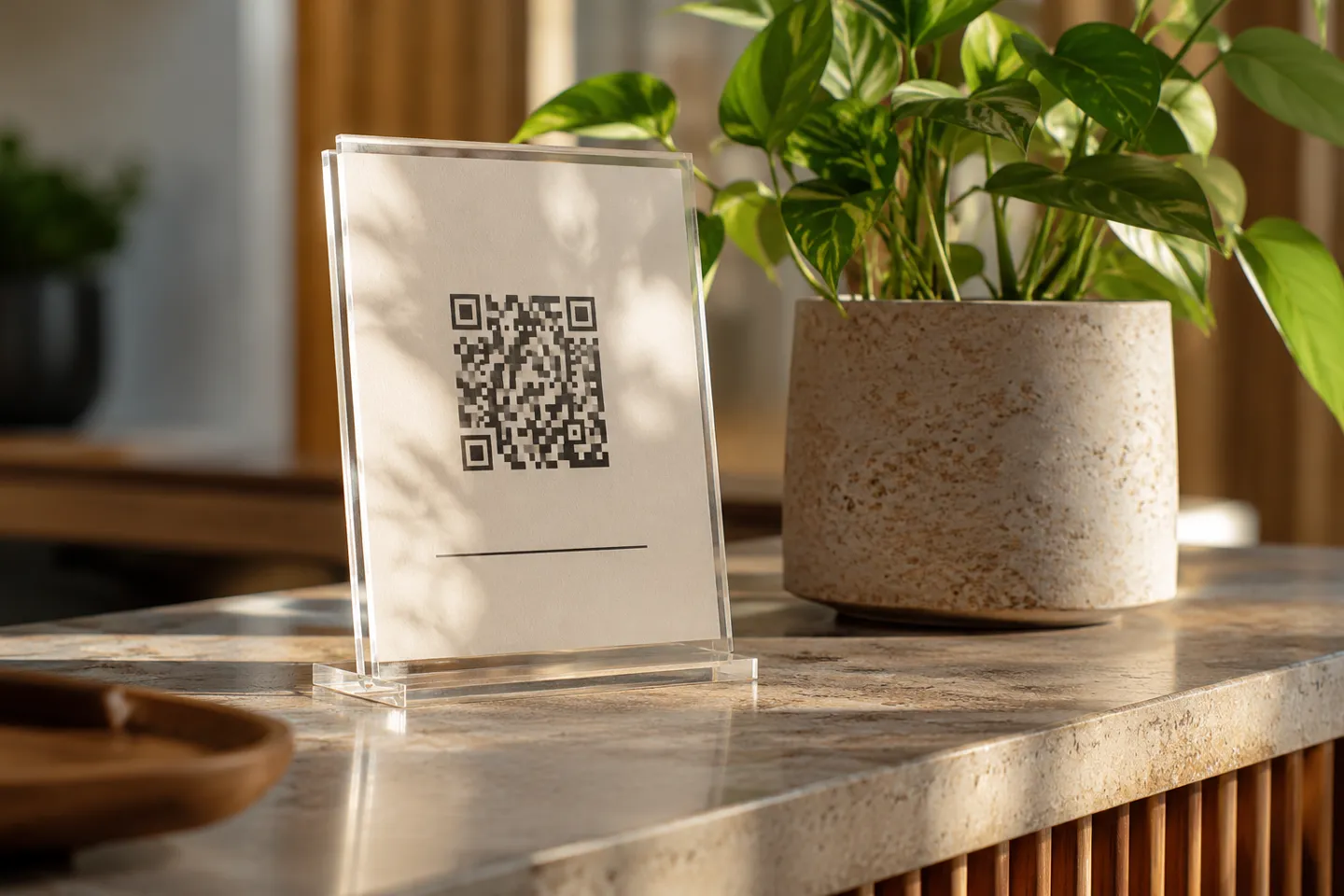
A code hidden behind the counter is easy to miss, while several competing codes near the entrance can create confusion. Choose one obvious location and label its purpose plainly. For an illustrative salon sign, 'Arriving for an appointment? Scan here, or speak to reception' gives a direct instruction and an alternative. Check the printed code at the final size. Keep the sign readable and avoid surrounding it with so much promotional copy that the arrival action disappears.
Keep a human fallback
Some customers will have a flat battery, an inaccessible camera workflow or a reason to ask for help. Train the team to complete the supported arrival process with them. A QR option should make arrival easier rather than become a condition customers cannot satisfy. Decide who checks for people waiting near the entrance and who handles an incorrect booking. Clarify any privacy considerations in the business's existing process without displaying unnecessary appointment details in public.
Walk through the customer’s side.
Try a service and time in this small booking-page replica.
Your next visit,
made simple.
Choose a service.
Find a time that fits.
Review friction during the first week
Count customers who need help and note the reason without collecting unnecessary personal information. A badly placed sign calls for a different change from a slow network or unclear screen. Observe a busy arrival period as well as a quiet one. If the check-in feature does not produce the status or reporting your team expected, resolve that mismatch before relying on it operationally. A successful launch is measured by smoother arrivals and a process reception can explain.
Common questions
Is customer QR check-in the same as identity verification?
No. Do not assume security or identity functions beyond the behavior the provider demonstrates.
Sources & methodology
Published by Resurv. Examples and product replicas use fictional data; test your own workflow before adopting these ideas.
Photography is AI-generated editorial imagery, not customer evidence. Product replicas use fictional records and do not create live bookings.