The useful bits, first.
- Match business and service names across pages.
- Use images that clarify the experience.
- Verify the actual branding controls in your plan.
Branding starts with recognition
A customer moving from your website to booking should recognize the business they intended to visit. Use a consistent business name, logo where supported and branch labels that match the rest of the site. This is more useful than adding decorative copy that competes with the appointment task. Resurv advertises branding in Growth; demonstrate the actual controls and current terms so you know which elements can be customized in the customer journey.
Walk through the customer’s side.
Try a service and time in this small booking-page replica.
Your next visit,
made simple.
Choose a service.
Find a time that fits.
Prioritize service language
The most visible branding decision may be how your services are named. A salon calling the same appointment 'Signature Cut' on its website and 'Service 04' in booking creates unnecessary hesitation. Make the menu recognizable and explain unfamiliar names briefly. Avoid promotional descriptions that obscure duration or location. In an illustrative example, adding 'haircut and finish' beside a branded service name gives the customer practical context while preserving the business's own tone.
Use images with a job to do
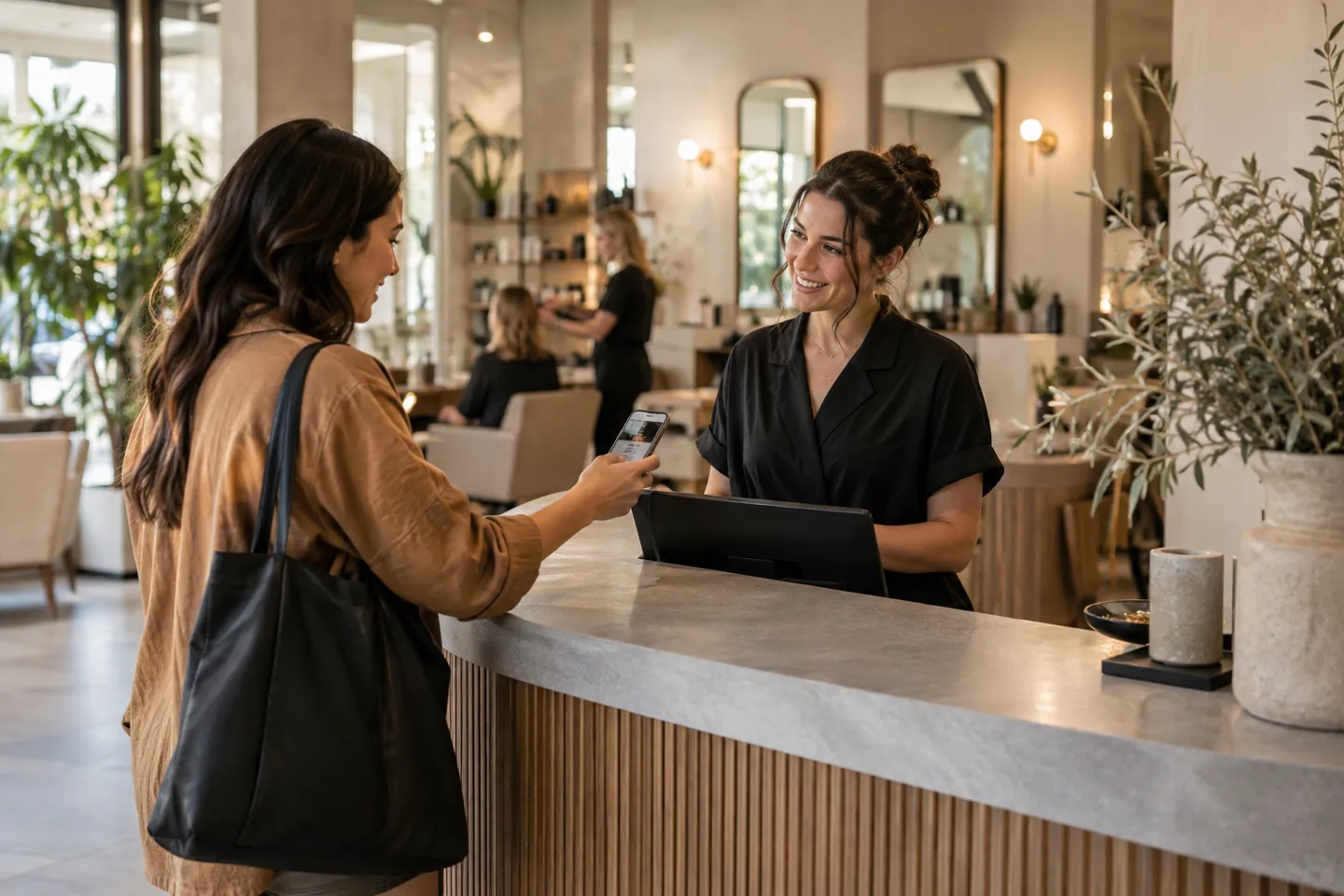
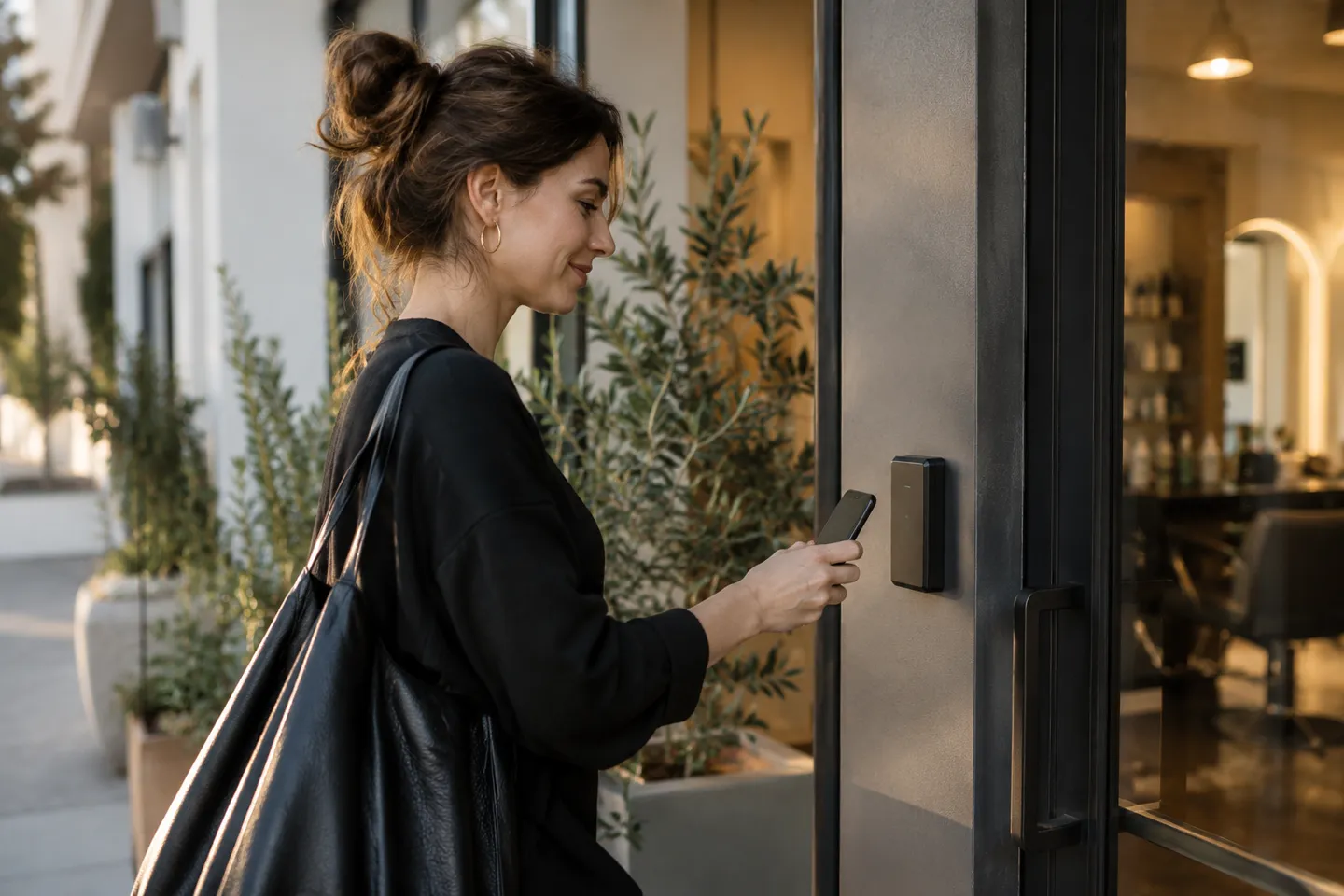
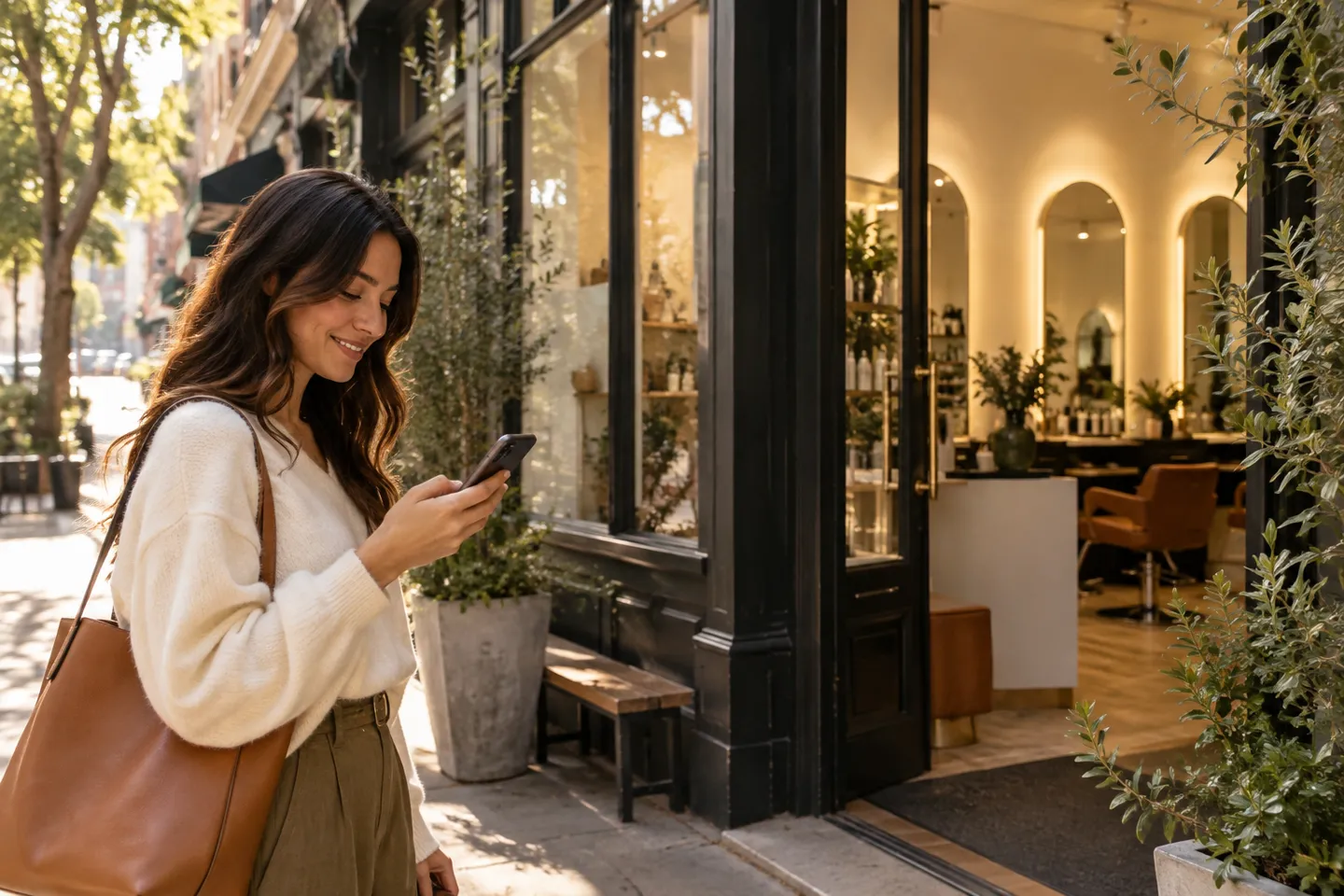
If your website supports images beside service or business information, choose pictures that help customers understand the experience. A genuine entrance photo can clarify arrival; an authentic team photo can make staff introductions more useful. Keep image sizes sensible for phones and provide meaningful alternative text where you control the page. Do not use a stock photograph in a way that implies it shows your actual premises or staff. Label illustrative visuals appropriately.
Test the handoff on mobile
Open the page from your main booking button and move through branch, service, staff and slot. Look for visual changes that could make the customer wonder whether they left your business's site. Check text readability, button labels and the visibility of practical details. Verify any claimed custom domain or advanced layout controls independently; they should not be inferred from the word 'branding.' The supported settings should serve a coherent, understandable path to a reserved time.
A working day, at a glance.
Appointments and blocked breaks share the same view. Try switching the example day.
Measure customer uncertainty
Ask reception which questions customers raise while booking: whether a page belongs to the business, which service to select or whether a time is confirmed. Use those questions to prioritize changes. A new color may be less useful than a clearer branch name or service description. Recheck the journey after changing the website menu or opening another location. Effective booking branding combines recognition with useful information, helping the customer make a decision without searching for reassurance.
Common questions
Does branding support imply a fully customizable booking layout?
No. Demonstrate the specific visual, domain and layout options you need.
Sources & methodology
Published by Resurv. Examples and product replicas use fictional data; test your own workflow before adopting these ideas.
Photography is AI-generated editorial imagery, not customer evidence. Product replicas use fictional records and do not create live bookings.