
The useful bits, first.
- Test from real website entry points.
- Include empty availability and changed choices.
- Fix booking blockers before cosmetic details.
Begin where customers begin
Open your website on a normal phone and use the booking button a first-time visitor would see. Do not start from a saved administrator link. Check whether the action is visible, understandable and easy to tap. A customer should not need to inspect a long navigation menu to find availability. Test from an article or business-type page as well as the homepage, because customers may arrive through a search result rather than your preferred starting point.
Walk through the customer’s side.
Try a service and time in this small booking-page replica.
Your next visit,
made simple.
Choose a service.
Find a time that fits.
Check each choice for clarity
Resurv's verified booking journey moves through branch, service, staff and slot. At each step, ask what a new customer needs to know to choose confidently. Similar branch names need context. Branded service names may need a short explanation. Staff choices should reflect actual availability. Avoid solving every uncertainty with a large paragraph; use the smallest amount of specific information that makes the decision understandable and leaves the next action visible on the screen.
Test awkward but normal situations
Try a day with no available slots, a long service name and a customer who changes their mind about the branch. Turn the phone sideways and increase the device's text size. Check whether selected details remain understandable and whether a person can recover from a mistaken choice. These tests do not require a formal laboratory; a few realistic journeys reveal problems that are invisible when reviewing a wide desktop screen with administrator knowledge.

Review imagery and page weight
Images should help customers understand the business without burying the booking action or making the page slow on a modest connection. Where you control the website, use appropriately sized images and useful alternative text. Avoid decorative charts that force the reader to zoom before they can understand an essential price or feature. Keep comparison information readable as text too. If the booking page is hosted separately, distinguish changes you control from provider settings that need verification.
A working day, at a glance.
Appointments and blocked breaks share the same view. Try switching the example day.
Prioritize the biggest obstacle
Ask a colleague unfamiliar with the setup to book a fictional appointment and describe where they hesitate. Record the obstacle, the likely consequence and a concrete fix. Address failures that prevent booking before making cosmetic adjustments. Recheck after changing service names, branches or the main site navigation. A mobile journey succeeds when customers can understand their choices and reach the correct time with reasonable effort, not merely when the page fits inside the phone's width.
Common questions
Is a responsive page automatically easy to book from?
No. Layout, wording, available choices and recovery from mistakes all affect the journey.
Sources & methodology
Published by Resurv. Examples and product replicas use fictional data; test your own workflow before adopting these ideas.
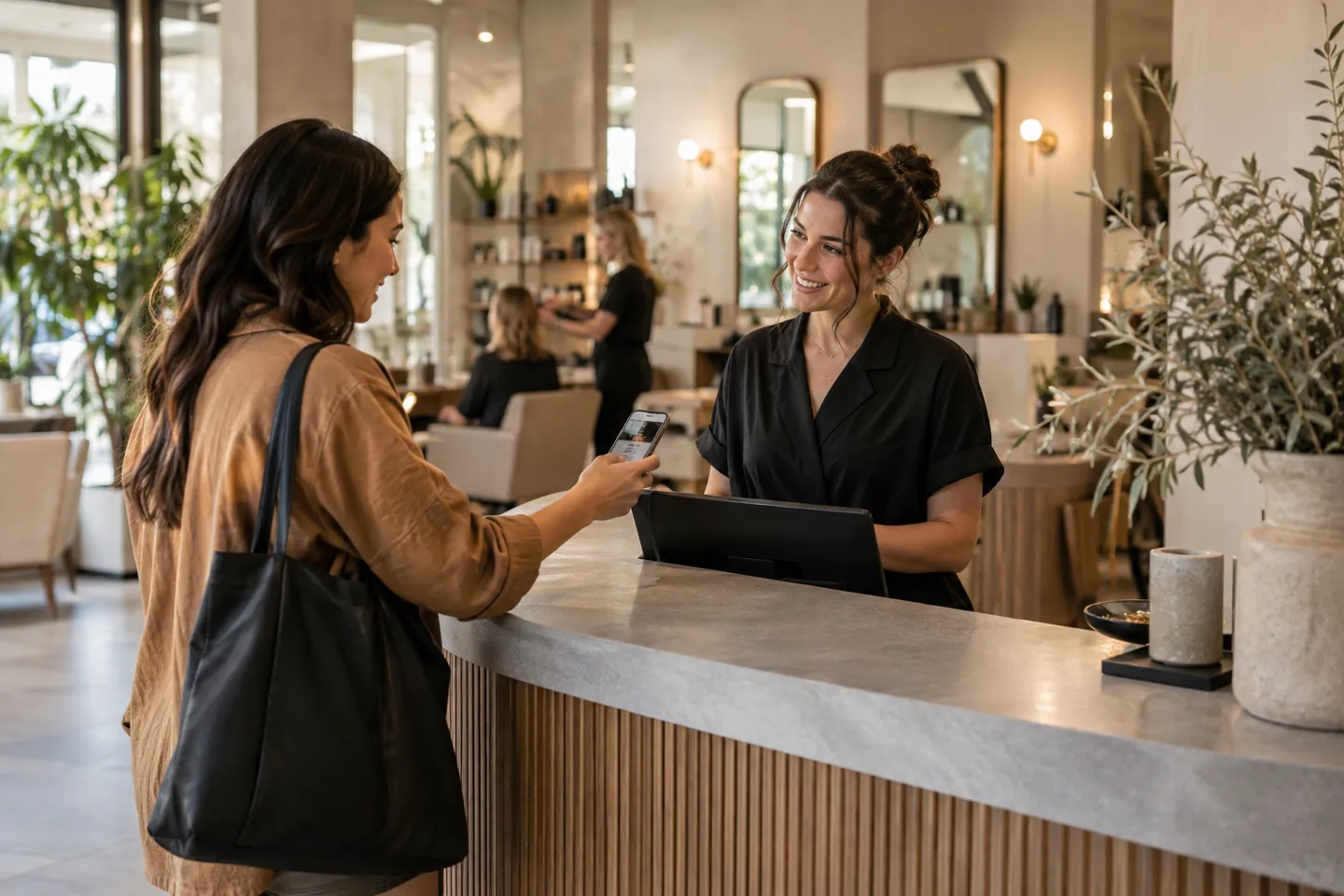
Photography is AI-generated editorial imagery, not customer evidence. Product replicas use fictional records and do not create live bookings.